
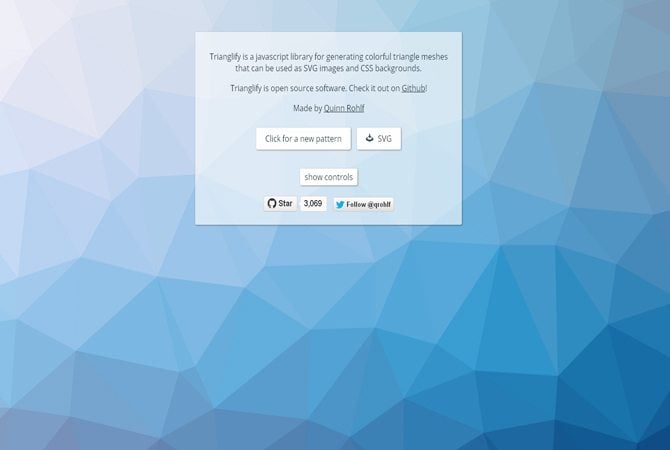
With "Trianglify" simple Low Poly backgrounds can be created in no time and downloaded as SVG files. Colors are selected at random and change with every new creation. It’s possible to control the size of the shapes and their distribution. A blur effect is available. If you need to generate abstract backgrounds as fast as possible, "Trianglify" is the tool of your choice.
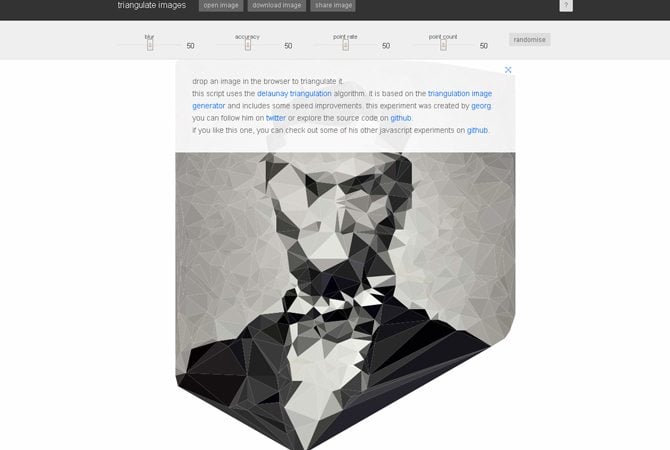
This tool enforces Low Poly effects on uploaded images. A fine control lets you decide on the number of polygons used as well as the degree of detail. Using the „randomise“ button shuffles parameters and comes up with random results. Once generated files can be downloaded as PNG or SVG. With SVG you still have the possibility for further customization in your favorite vector editor.
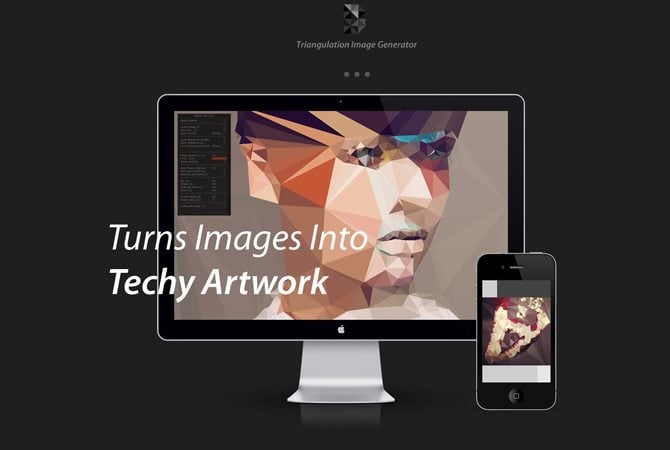
DMesh, designed by Dofl Y.H. Yun, is a custom creative application that turns images into techy artwork. It works by analyzing an image and generating a triangulation pattern for a beautiful finished product. To build the program, Dofl employed a groundbreaking mix of computer vision technologies to make DMesh for someone without any design background.
Image Triangulator gives you the ability to triangulate any image. The level of abstraction you get depends on the amount of points you plot. The app will allow you to save your plotted points as a text file and the final image as a pdf. You can further edit the pdf in Adobe Illustrator, as the original image will be included as a bottom layer.
Drag and drop low poly creator, just drag your photo into the "Drop an image here!" block and change those settings and see how your image changes.